Tab 01
A fluid underline tab system with animated active positioning, responsive overflow handling, and accessible keyboard navigation.
HTMLReact
Tabs organize related content into views that visitors switch between.
10 components, each available as a live preview with copyable code · Last updated Sep 7, 2026
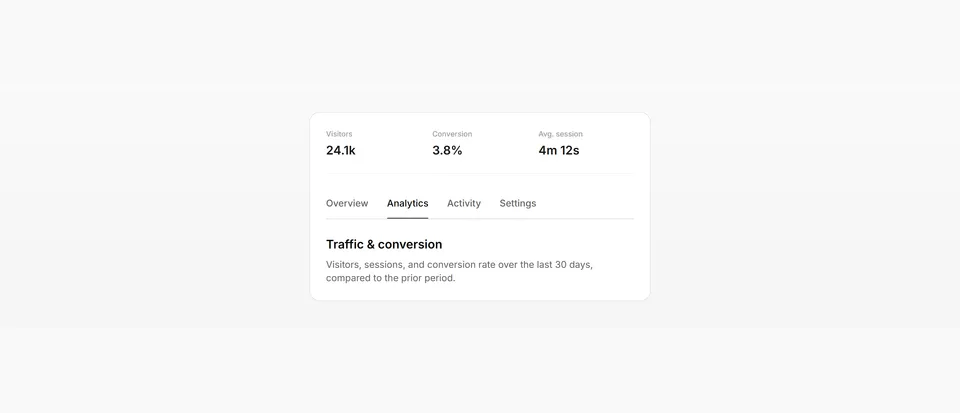
A fluid underline tab system with animated active positioning, responsive overflow handling, and accessible keyboard navigation.
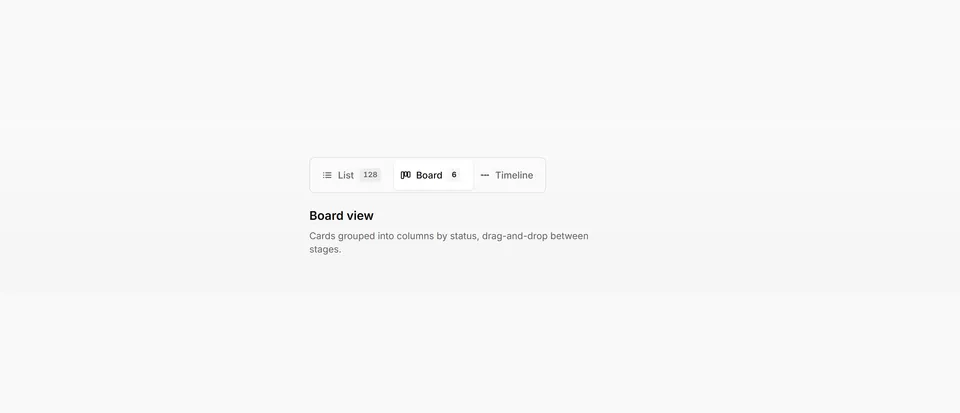
A compact segmented tab control with a sliding active surface, tactile transitions, and responsive mode switching.
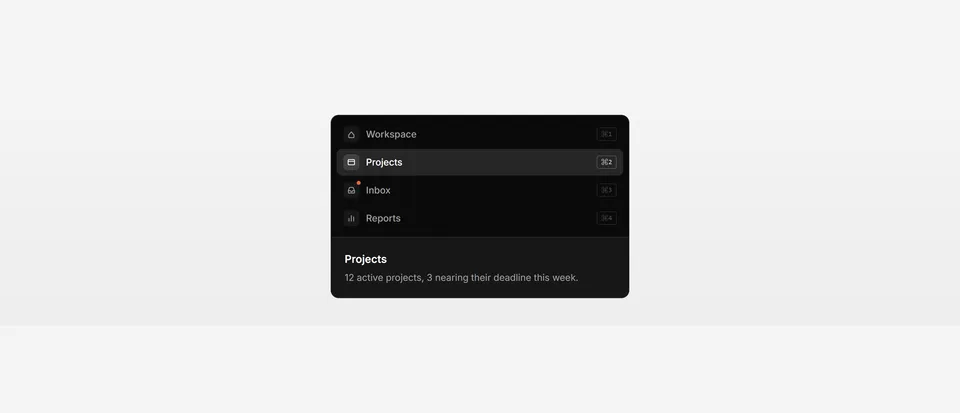
An icon-and-label workspace tab system with adaptive mobile behavior, notification metadata, and accessible navigation.
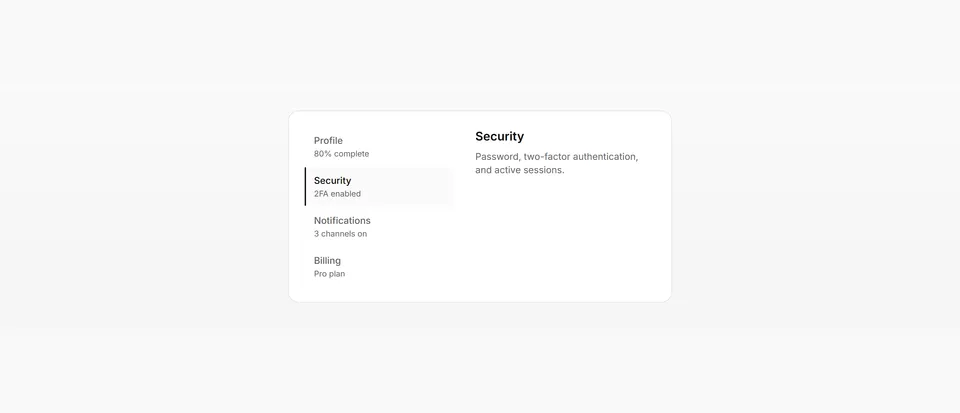
A responsive vertical settings tab system that transforms intelligently for narrow layouts while preserving keyboard semantics.
An editorial tab system built around typography, category hierarchy, and restrained animated navigation.
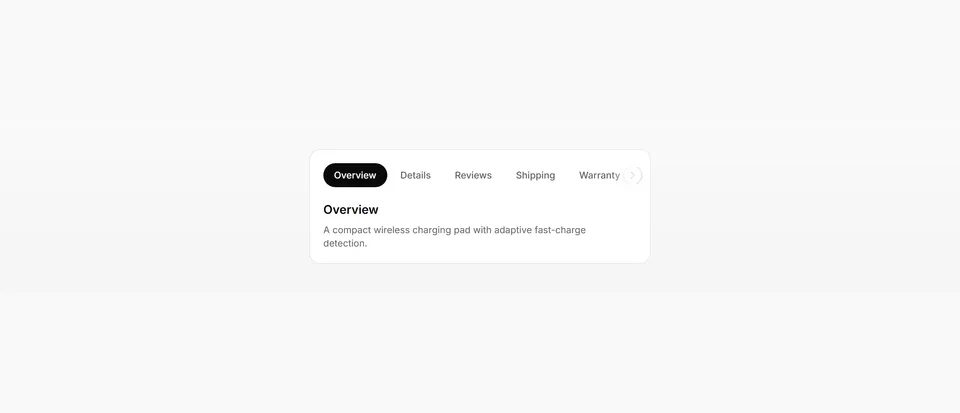
A horizontally scrollable tab system for large tab sets with active-item tracking, touch scrolling, and responsive edge affordances.
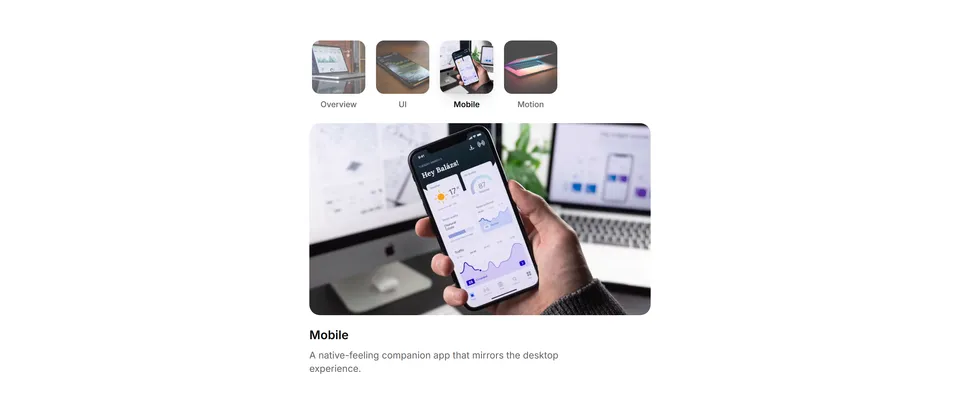
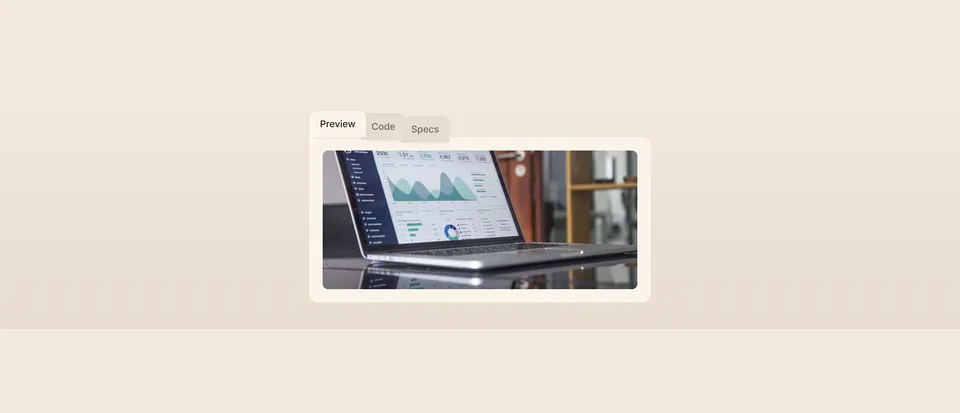
A media-integrated tab system for switching preview, code, and detail surfaces with smooth accessible transitions.
A comparison-focused tab system with contextual metadata, animated selection hierarchy, and stable responsive panels.
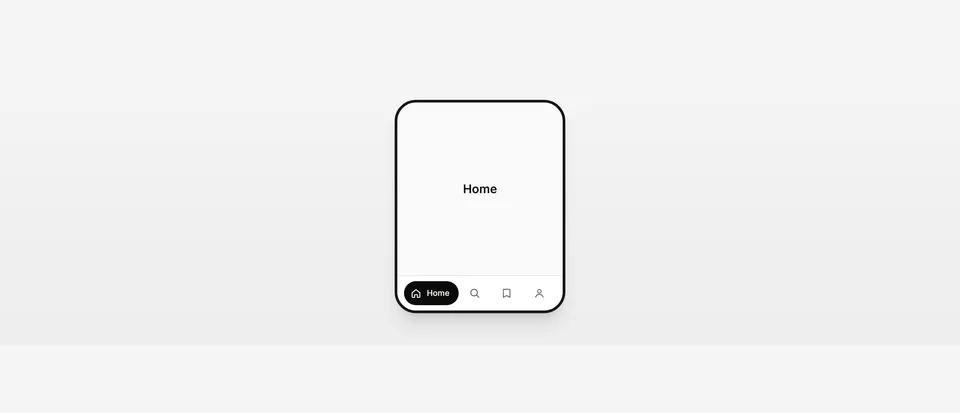
A mobile-first bottom tab navigation pattern with accessible icon-label hierarchy, safe-area-aware layout, and responsive interaction.
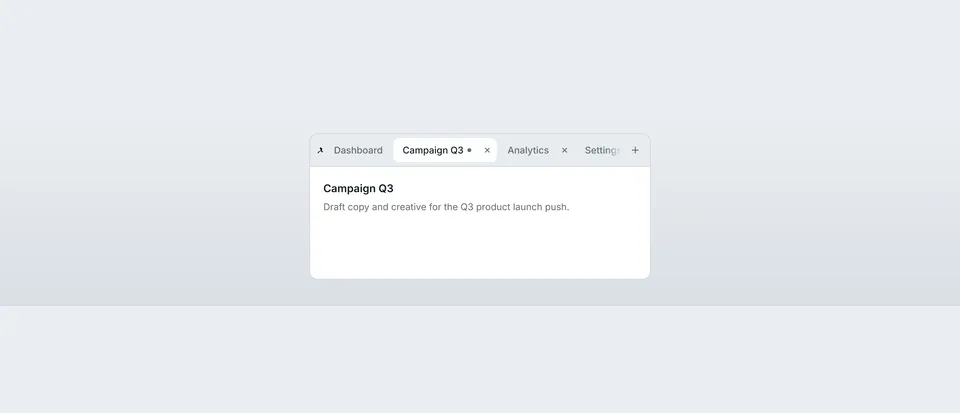
A dynamic workspace tab strip with closable tabs, active-state management, and accessible document-style interactions.